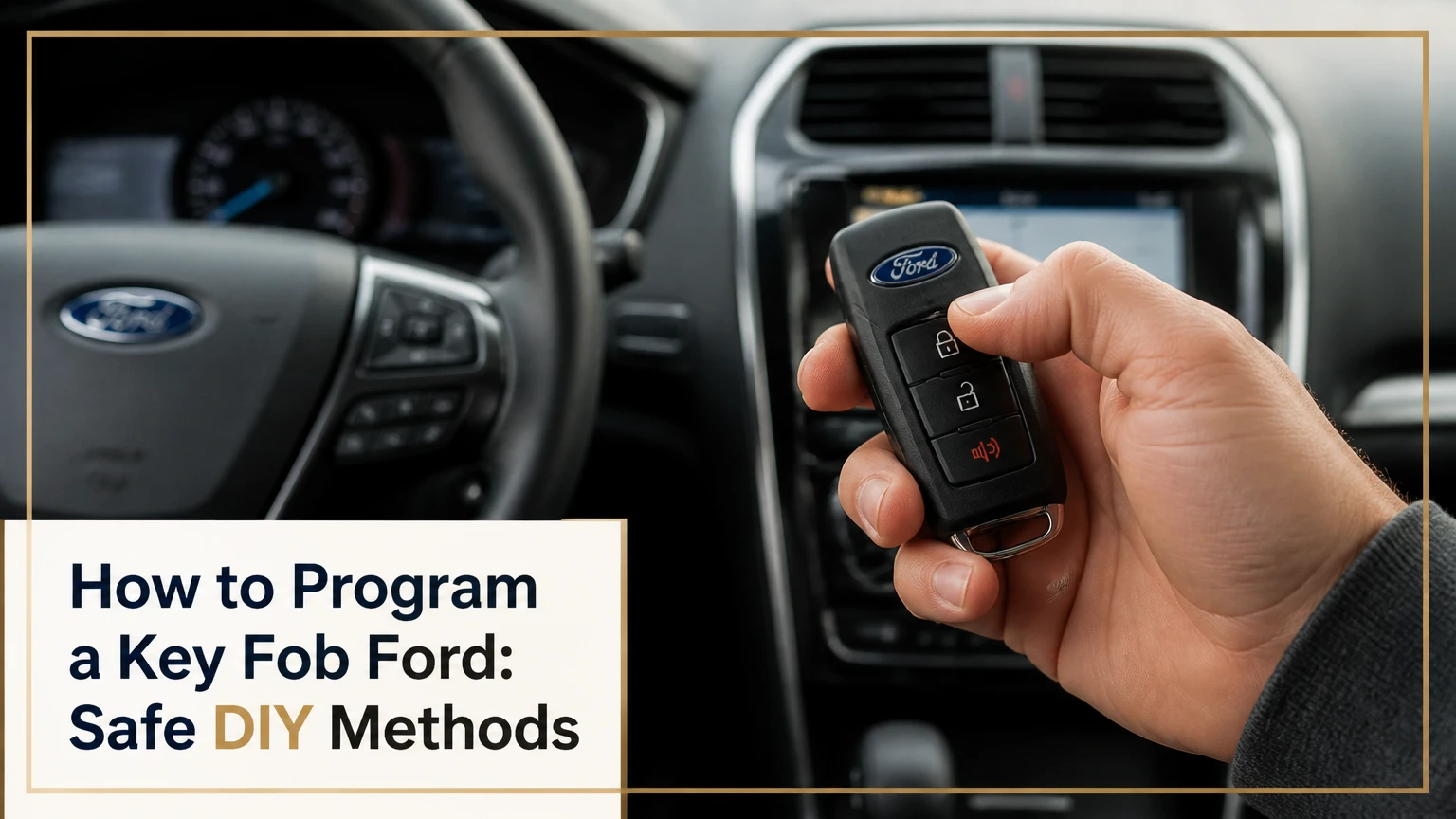
To program a Ford key fob, first identify whether you have a standalone remote, coded ignition key, or push-button smart key. Older Ford vehicles may accept an ignition-cycle sequence in about five minutes, while transponder and intelligent-access keys often require two working keys or diagnostic equipment. The vehicle year and model determine the correct method.
Key facts
Ford remote-button programming and Ford immobilizer-key programming are separate operations.
The eight-cycle method pairs remote buttons on some Ford vehicles with a physical ignition cylinder; it does not program the engine-start transponder.
A manual transponder procedure commonly requires two independently programmed keys, not two copies cloned from one key.
Push-button Ford models use a vehicle-specific backup slot for some additional smart-key procedures.
A matching FCC ID alone does not guarantee compatibility; the part number, frequency, chip, blade, market, and vehicle module must also match.
Typical US programming costs range from $30-$60 for an older remote at a locksmith to $200-$400 or more for a modern smart key at a dealer.
How to Program a Key Fob Ford
The correct Ford key-fob procedure depends on three identifiers: the vehicle model year, the ignition system, and the function being programmed. Remote lock and unlock buttons use the Remote Keyless Entry system, whereas a coded key or smart fob also contains an immobilizer credential that permits the engine to run.
Ford owner manuals separate these functions because pairing a remote does not necessarily add an authorized ignition key. A vehicle can accept the buttons while still displaying a “No Key Detected” message or refusing to crank if the transponder is not enrolled.
Before You Start
| Requirement | Typical specification | Why it matters |
|---|---|---|
| Working vehicle battery | 12.4-12.7 volts with engine off | Low voltage can interrupt module programming |
| Replacement remote battery | CR2025 or CR2032, depending on fob | A weak coin cell can prevent button transmission |
| Ignition-cycle window | 8 cycles in 10 seconds on applicable models | Slow cycling cancels programming mode |
| Remote-pairing window | Usually 8 seconds after lock cycling | Late button presses are ignored |
| Working coded keys | 2 separate programmed keys for some PATS procedures | One key usually cannot authorize manual addition |
| Cabin preparation | Driver door, other doors, hood, and liftgate closed | Open inputs can block the sequence |
Read the Ford owner manual before beginning. Ford changes procedures across model years, trims, markets, and module configurations, so a sequence that works on a 2007 Focus may not apply to a 2015 Explorer.
How do remote buttons differ from a transponder key?
Remote buttons operate door locks, panic functions, trunk release, and sometimes remote start. The PATS immobilizer transponder authorizes engine operation through a low-frequency antenna near the ignition cylinder or a backup reader in a push-button vehicle.
The distinction determines the remedy. If the vehicle starts normally but the buttons do nothing, pair or replace the remote. If the vehicle does not recognize the key, the immobilizer credential, battery condition, backup reader, or diagnostic system requires attention.
Method 1: Program the Remote With the Ignition Cycle
Use the eight-cycle procedure only when the Ford owner manual confirms that the vehicle supports it. The method commonly applies to older Ford models with a physical ignition cylinder and factory remote keyless entry, and it pairs the remote buttons rather than the engine-start chip.
Step 1: Prepare the vehicle
Sit in the driver’s seat with every door, the hood, and the liftgate fully closed. Keep every remote that you want to continue using inside the cabin, including older working remotes.
Turn off accessories such as the radio and climate fan. Confirm that the replacement fob contains the correct battery and that the vehicle battery is not weak.
Step 2: Enter programming mode
Insert a working ignition key and turn it from OFF to RUN eight times within 10 seconds. Do not crank the engine. End the eighth cycle in RUN.
The door locks should cycle down and up. That lock movement confirms that the vehicle accepted the timing and entered remote-programming mode.
Common mistake: Counting accessory and RUN positions incorrectly. On many Ford ignition switches, RUN is the position immediately before START; do not turn far enough to engage the starter.
Step 3: Pair every remote
Within approximately eight seconds of the lock cycle, press any button on the first remote. The locks should cycle again. Press a button on each additional remote within the next pairing window, waiting for the lock confirmation after each one.
Ford procedures often rewrite the remote list when programming mode begins. Pair every usable remote during the same session, because leaving an old remote out may cause it to stop operating afterward.
You will know it worked when: The locks cycle after each accepted remote and the lock, unlock, or panic buttons operate normally after the session ends.
Step 4: Exit programming mode
Turn the ignition to OFF. The locks may cycle once more to confirm that the session has ended. Remove the key and test every button from several feet away.
The eight-cycle method is not universal. Some Ford vehicles use a scan tool, a message-center menu, or a different ignition sequence even when they have a physical key.
Method 2: Program a Coded Ignition Key
A Ford coded-key procedure adds the transponder that authorizes engine starting, not merely the remote buttons. On supported vehicles, manual addition usually requires two independently programmed and operational keys; Ford owner manuals commonly state, “You must have two previously programmed coded keys,” although wording varies by model and year.
Step 1: Use the first authorized key
Insert the first programmed key into the ignition. Turn it to RUN for about three seconds without starting the engine, then turn it OFF and remove it.
Step 2: Use the second authorized key
Within 10 seconds, insert the second programmed key. Turn it to RUN for about three seconds, turn it OFF, and remove it.
The two keys must be recognized separately by the vehicle. A hardware-store clone that duplicates the first key’s electronic identity may start the vehicle, but the car can treat both items as one credential and reject the two-key enrollment sequence.
Step 3: Add the replacement key
Within another 10 seconds, insert the new, unprogrammed transponder key. Turn it to RUN and hold it there for approximately three to five seconds.
Watch the security indicator. A successful procedure normally produces a confirmation through the security lamp, instrument display, or both, depending on the model.
Step 4: Test starting and remote functions separately
Remove the new key, wait several seconds, and use it to start the vehicle. Then test the lock and unlock buttons. A key can pass the PATS test while its remote buttons remain unpaired, especially when the replacement key uses a separate remote circuit.
This method is unavailable on many later Ford vehicles, and it cannot usually add a key when all existing keys are lost. A dealer or automotive locksmith must then authenticate the vehicle through the diagnostic connector.
Method 3: Use the Backup Slot for a Smart Key
A Ford intelligent-access or push-button smart key may be paired through an emergency backup slot when the vehicle supports owner-programmable addition. The slot location varies, but common positions include the center-console bin, a compartment beneath a rubber mat, the cupholder area, or a marked location near the steering column.
Step 1: Locate the vehicle-specific slot
Consult the owner manual for the exact pocket and fob orientation. The backup reader must detect the fob even when the coin-cell battery is weak, so forcing the fob against the Start button is not a substitute for finding the reader.
Step 2: Authenticate the first two keys
Place the first working smart key in the slot and press the Start/Stop button without pressing the brake. Wait several seconds, switch the vehicle off, and remove the fob.
Repeat the process with the second working smart key within the time specified by the manual. Many Ford sequences allow about 10 seconds between keys, but the exact interval is model-specific.
Step 3: Add the new smart key
Place the new fob in the backup slot and press Start/Stop. The instrument cluster may display a key-programmed message, sound a chime, or flash the hazard lamps.
Start the vehicle with the new fob, then test passive entry, lock, unlock, trunk release, and remote start if equipped. Passive entry may fail when the button transmitter works if the replacement fob lacks the correct proximity hardware.
How Do You Verify the Replacement Fob?
Verify five separate compatibility attributes before purchasing a Ford replacement: FCC ID, Ford part number, operating frequency, key type, and immobilizer technology. A visually identical fob can use a different circuit board or frequency and remain permanently incompatible.
| Compatibility check | Example value | What to compare |
|---|---|---|
| FCC ID | CWTWB1U345 or OUCD6000022 | Match the original transmitter label |
| Frequency | 315 MHz or 433 MHz | Match the vehicle market and original fob |
| Ford part number | Model-specific OEM number | Confirm against the owner manual or dealer catalog |
| Key format | Blade, flip key, or proximity fob | Match ignition and passive-entry hardware |
| Immobilizer type | PATS or intelligent access | Confirm engine-start authorization method |
| Button layout | 3-button, 4-button, or 5-button | Match lock, trunk, panic, and remote-start functions |
The FCC ID identifies the radio transmitter, not every vehicle function. Check the original fob’s label or circuit board, and verify the replacement against the vehicle identification number when a seller provides that option.
Which Ford Keys Can Be Programmed at Home?
Older standalone remotes are the most likely to support no-tool programming, while modern intelligent-access keys are more likely to require two existing keys or a diagnostic programmer. The key’s appearance is less useful than the ignition type and the vehicle’s owner-manual procedure.
| Key category | Typical Ford applications | Home programming possibility | Typical blank price |
|---|---|---|---|
| Standalone remote | Older vehicles with separate metal key | Often yes, 5-10 minutes | $10-$25 |
| Integrated keyhead remote | Physical blade with buttons in plastic head | Remote often yes, transponder conditional | $30-$75 |
| Flip or switchblade key | Later vehicles with folding blade | Frequently requires equipment | $50-$130 |
| Intelligent-access fob | Push-button start and passive entry | Conditional, often two working fobs | $90-$250+ |
| All-in-one aftermarket kit | Selected Ford models and years | Depends on supplied programmer | $100-$250 |
These prices are typical US retail ranges for parts, not guaranteed quotes. Genuine OEM components cost more, and a cut blade, shipping, programming token, or emergency service call may be separate.
What Changes With One or No Working Keys?
A Ford with one working key may allow remote-button pairing, but one key usually does not satisfy a manual two-key transponder procedure. A Ford with no working keys generally requires a locksmith or dealer with security-capable diagnostic equipment, plus a compatible replacement key.
| Situation | Likely DIY path | Professional requirement |
|---|---|---|
| Remote buttons fail, vehicle starts | Eight-cycle or model-specific remote procedure | None if supported |
| Two independent coded keys available | Manual transponder addition on supported models | None if owner procedure applies |
| One coded key available | Remote pairing may work; key enrollment often does not | Locksmith or dealer for many models |
| No keys available | No reliable manual authorization path | Mobile locksmith or dealer |
| Smart key battery is dead | Use backup slot and emergency blade | None if fob is already enrolled |
| Wrong or unknown replacement fob | Do not continue repeated attempts | Parts verification or professional programming |
“Two keys” means two separately recognized credentials. Two physical copies made from one electronic clone may not meet the vehicle’s requirement.
What Does Ford Key-Fob Programming Cost?
Typical US programming costs range from $30-$60 for an older remote at a locksmith to $200-$400 or more for a modern smart key at a Ford dealer. All-keys-lost service costs more because the provider must supply or cut a key, authenticate the vehicle, and enroll a new security credential.
| Service route | Typical programming or service price | Typical time | Best use |
|---|---|---|---|
| DIY remote pairing | $0 after a $10-$25 remote | 5-10 minutes | Supported older remote |
| Automotive locksmith | $75-$200 | 20-60 minutes | One key, replacement, or mobile service |
| Ford dealer, remote only | $50-$150 | 30-90 minutes | OEM remote and documented vehicle history |
| Ford dealer, smart key | $200-$400+ | 1-3 hours | Newer proximity fob or complex module |
| All keys lost, locksmith | $150-$400+ | 30-120 minutes | Stranded vehicle without towing |
| Diagnostic programmer rental or kit | $80-$250 | 30-90 minutes | Supported model with clear instructions |
Prices vary by region, year, key supply, and whether the vehicle must be towed. Ask for a complete quote that separates the fob, mechanical cutting, programming, service call, tax, and any security-code or software fee.
Which Service Option Fits the Situation?
A mobile automotive locksmith is usually the practical choice for one-key or all-keys-lost situations, while a Ford dealer is the safer choice when the exact smart-key part, warranty documentation, or complex module access matters. DIY is appropriate only when the owner manual confirms the procedure and the replacement is verified.
Choose DIY when
Use DIY for a supported remote-only procedure, especially when the vehicle starts normally and the replacement matches the original FCC ID and part number. Avoid experimenting with ignition sequences on a leased vehicle or a newer model when the manual does not describe owner programming.
Choose a locksmith when
Choose a licensed automotive locksmith for a mobile replacement, cut blade, one-key situation, or all-keys-lost event. Ask whether the technician supports the exact Ford year and model, whether the replacement is OEM or aftermarket, and whether lost keys can be erased from the vehicle memory.
Choose a dealer when
Choose a Ford dealer when the vehicle has advanced intelligent access, an active warranty concern, repeated module errors, or an uncertain key identity. Dealer service usually costs more, but the parts catalog and factory diagnostic access reduce compatibility uncertainty.
Common Mistakes and Recovery Steps
The locks never cycle
The vehicle may not support the eight-cycle method, the cycles may have taken longer than 10 seconds, or the ignition ended in the wrong position. Confirm the owner-manual sequence, repeat it with a fully charged vehicle battery, and stop if the model requires diagnostic programming.
The locks cycle but the new buttons fail
The remote may have the wrong FCC ID, frequency, button layout, or circuit board. Compare the old and new labels, install the specified CR2025 or CR2032 battery, and repeat the pairing process with every remote present.
The security light remains illuminated
A solid security indicator can indicate that the transponder was not enrolled, the key lacks a chip, or the vehicle has entered a fault state. Remote-button programming will not correct that condition; use the coded-key procedure or obtain a security-capable scan.
The new key starts the engine but remote functions fail
The transponder and RKE transmitter are separate systems. Pair the buttons using the vehicle’s remote procedure, then test each function individually instead of assuming that successful engine starting enrolled the remote.
The vehicle reports a key-memory limit
Ford key capacity varies by model and module, often falling within a range of four to eight stored keys. A locksmith or dealer can read the module, remove obsolete credentials where supported, and enroll the replacement.
Programming stops midway
Do not disconnect an OBD diagnostic programmer or switch off vehicle power during a security write. Use a stabilized battery supply when the equipment instructions require it, and contact the tool provider or a technician if the instrument cluster displays a module error.
What If the Fob Battery Is Dead?
A dead Ford fob battery usually does not erase the fob’s programming. Replace the coin cell with the specified type, use the emergency blade for the door lock, and place the fob in the vehicle’s backup slot or designated reader to start a push-button model.
The backup slot is an RFID reader, so it can recognize the immobilizer credential without relying on the fob’s normal radio transmitter battery. If the vehicle still reports that no key is detected, the problem may involve a damaged transponder, incorrect fob, backup reader, or vehicle battery.
Expert Rules That Prevent Expensive Errors
- Pair remotes before diagnosing the immobilizer. A vehicle that starts has already accepted the ignition credential, so replacing a programmed key may not solve a button-transmitter problem.
- Never buy by shell shape alone. Ford used overlapping body designs with different electronics across years and trims; FCC ID and part-number verification prevents the most common replacement error.
- Keep every usable remote in the cabin. Programming mode can rewrite the stored remote list, and a functioning remote left at home may stop unlocking the vehicle afterward.
- Do not treat cloning as independent enrollment. A cloned key can be useful as a duplicate, but it may not count as a second authorized key during a two-key addition sequence.
- Record the original key before discarding it. Photograph the FCC ID, part number, button layout, and blade before ordering a replacement.
Frequently Asked Questions
Does changing a Ford key-fob battery require reprogramming?
No. Replacing the coin-cell battery normally preserves the remote’s stored pairing and transponder authorization. Install the correct CR2025 or CR2032 cell, observe polarity, and test the buttons. Reprogramming is appropriate only when the transmitter was replaced, lost synchronization, or the vehicle manual specifically requires a resynchronization sequence.
Can a Ford key fob be programmed without the original key?
Sometimes, but not through most owner-operated procedures. A supported remote-only sequence may use an ignition key already capable of turning the cylinder, while an all-keys-lost vehicle generally needs a mobile locksmith or Ford dealer with security-capable diagnostic equipment.
Will an aftermarket Ford fob work?
An aftermarket fob can work when its FCC ID, frequency, part number, button layout, immobilizer type, and vehicle application match. A low-cost shell with the wrong circuit board will not become compatible through repeated programming attempts, even if its exterior looks identical to the original.
Can a Ford key fob start the vehicle if the buttons do not work?
Yes, when the immobilizer transponder remains authorized and only the RKE transmitter has failed. The vehicle can start while lock, unlock, panic, trunk, or remote-start buttons remain inactive because the two systems use separate electronic functions.
How many Ford keys can be stored?
The limit depends on the model, year, and security module, with many systems storing approximately four to eight authorized keys or remotes. The vehicle may reject a new key when memory is full. A diagnostic scan can identify stored credentials and remove obsolete ones on supported systems.
Where can I find the exact Ford procedure?
Start with the owner manual for the vehicle’s model year and market, then verify the instructions through Ford’s official owner-support resources. The vehicle identification number helps a dealer or locksmith confirm the correct key part, module configuration, and programming requirement.
The Bottom Line
How to program a key fob Ford depends on whether you are pairing remote buttons, adding a PATS transponder key, or enrolling a push-button intelligent-access fob. Use the eight-cycle method only for a confirmed compatible model, use the two-key or backup-slot procedure only when the owner manual supports it, and choose a qualified locksmith or Ford dealer when one or no working keys remain.


