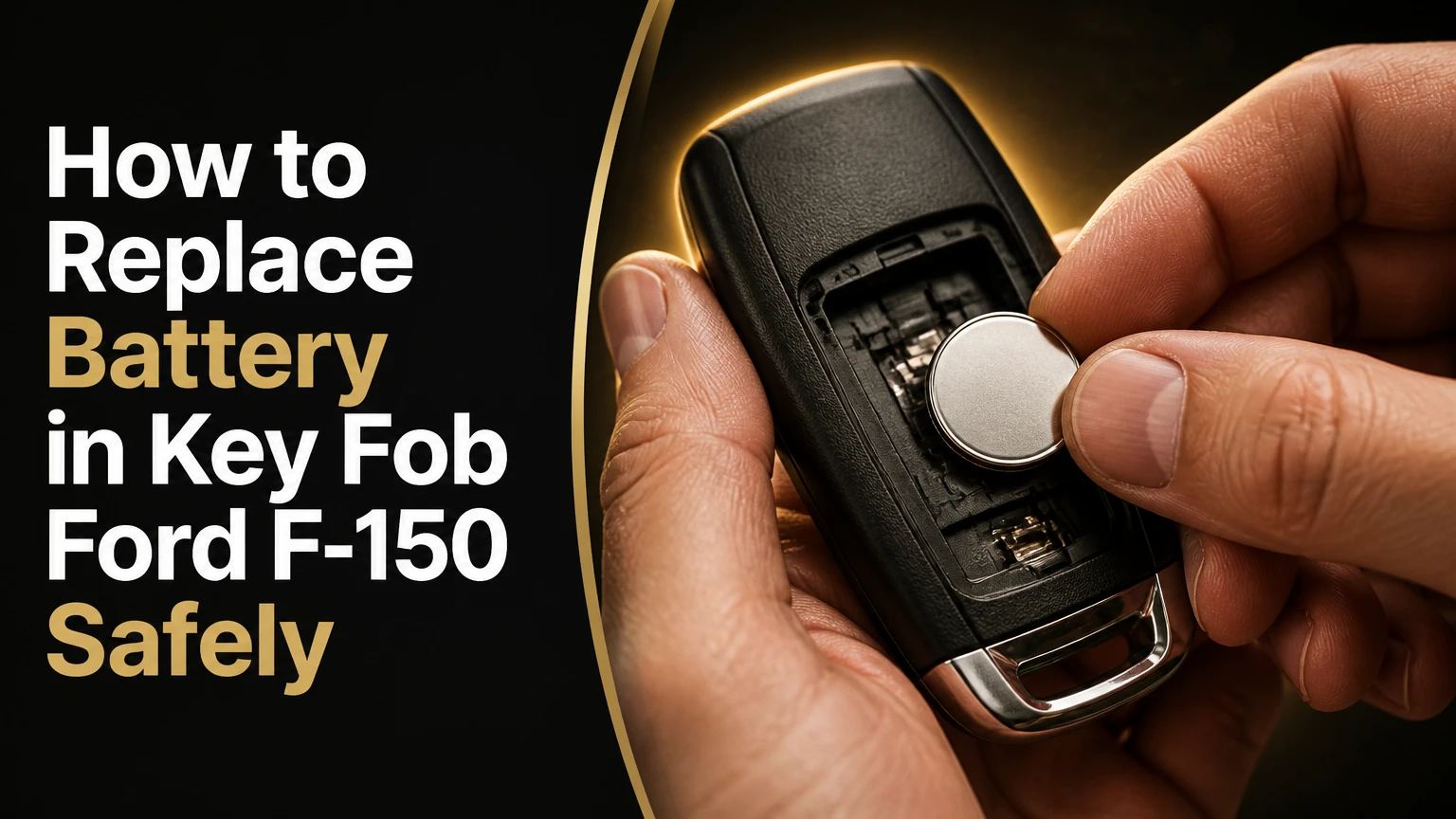
To replace the battery in a Ford F-150 key fob, identify the fob style, buy the exact coin cell marked inside the housing or listed in the owner’s manual, open the case at its designated seam, install the battery with the correct polarity, and test every button. Most replacements take 1-3 minutes and do not erase the key’s programming.
Key Facts at a Glance
- Most Ford F-150 flip-key and integrated-keyhead remotes use one CR2032 battery.
- Many Ford F-150 Intelligent Access fobs use one CR2450 battery, but the marking inside the fob takes priority.
- Battery replacement normally preserves the fob’s pairing and does not require reprogramming.
- The positive side usually faces upward, although molded polarity markings are the final authority.
- A small flat screwdriver or the emergency key is usually sufficient to open the housing.
- Typical DIY cost is $2-$6, compared with approximately $15-$45 for a dealer or locksmith battery service.
Before You Start
A Ford F-150 key-fob battery replacement needs one new coin cell, a clean work surface, and a small prying tool. The job is low difficulty, but the battery number and case-opening slot determine success more than hand strength does.
| Requirement | Typical specification | Why it matters |
|---|---|---|
| Replacement battery | 1 cell, CR2032 or CR2450 | The wrong thickness can prevent closure or damage contacts |
| Labor time | 1-3 minutes | Includes opening, replacement, closure, and button testing |
| DIY cost | $2-$6 | Typical retail range for a reputable single cell or multipack |
| Service cost | $15-$45 | Typical locksmith or dealership battery-service range |
| Tool | 1 small flat screwdriver | Use a plastic pick when the housing finish is easy to mark |
| Work area | 1 clean, dry surface | Prevents screws, springs, and the old cell from being lost |
Keep the vehicle nearby before starting. A replacement can be completed away from the truck, but immediate testing separates a simple battery issue from a damaged fob.
Ford Support’s replacement guidance can be summarized by its direct instruction: “Make sure the battery is installed correctly.” That short instruction matters because a new battery installed upside down produces the same symptoms as a dead battery.
Which Battery Does a Ford F-150 Key Fob Use?
The correct Ford F-150 key-fob battery is usually CR2032 for an integrated keyhead or flip-key remote and often CR2450 for an Intelligent Access fob. Model year and trim are useful clues, but they are not sufficient identification because Ford used overlapping designs and replacement housings.
| Fob configuration | Common F-150 applications | Typical battery | How to recognize it |
|---|---|---|---|
| Integrated keyhead | Older trucks, commonly 1998-2014 | CR2032 | Metal blade is permanently attached to the plastic head |
| Flip or switchblade key | Commonly 2015-2020, plus some later lower trims | CR2032 | Metal blade folds into the remote and deploys with a button |
| Intelligent Access | Commonly 2017 and newer upper trims | CR2450 | Separate emergency key, passive entry, and push-button starting |
| Replacement or aftermarket shell | Any year | Check the housing marking | Exterior shape may not match the original Ford shell |
Check the existing battery before purchasing a replacement. The cell number is normally printed on the flat face, and some housings also mold “CR2032” or “CR2450” near the battery tray.
A Ford F-150 year range cannot guarantee the battery size. Trim, market, factory equipment, replacement fob shells, and previous key conversion work can change the answer. Never substitute a CR2025, CR2032, or CR2450 solely because the diameter appears similar.
CR2025, CR2032, and CR2450 Compared
Coin cells with similar names do not have interchangeable thicknesses. CR2025 and CR2032 share a nominal 20-millimeter diameter, while CR2450 is approximately 24.5 millimeters wide and substantially thicker.
| Battery | Diameter | Thickness | Typical F-150 relevance |
|---|---|---|---|
| CR2025 | 20 mm | 2.5 mm | Not a default replacement for a CR2032 tray |
| CR2032 | 20 mm | 3.2 mm | Common in integrated and flip-key remotes |
| CR2450 | 24.5 mm | 5.0 mm | Common in many Intelligent Access fobs |
| CR2016 | 20 mm | 1.6 mm | Too thin for most CR2032 trays unless specifically specified |
A thinner cell may make intermittent contact, while a thicker or wider cell can bend retaining clips or stop the shell from closing. The battery code is a dimensional specification, not a brand preference.
How to Replace a Ford F-150 Flip-Key Battery
To replace a Ford F-150 flip-key battery, deploy the metal blade, separate the rear cover at the internal notch, install one CR2032 with the marked positive side in the original orientation, and snap the housing shut. The operation usually requires no key synchronization afterward.
Step 1: Deploy the Key Blade
Press the chrome or mechanical release button so the metal blade swings out and remains outside the housing. The open blade exposes the recess used to separate the two plastic sections.
Do not twist the blade sideways while opening the case. The blade pivot and release button are mechanical parts, not pry points.
Success checkpoint: The blade is fully extended and the recess is visible.
Common mistake: Prying against the chrome button can loosen or scratch the mechanism.
Step 2: Find the Internal Opening Notch
Look inside the recess where the folded blade normally rests. A small indentation or seam provides the intended entry point for a flat screwdriver or plastic pick.
Insert the tool only a few millimeters, then rotate gently to release the rear cover. Work around the seam rather than forcing one corner upward.
Success checkpoint: The rear panel begins separating without bending the plastic.
Common mistake: Inserting the tool into the outer button seam can damage the shell or dislodge the button membrane.
Step 3: Remove and Replace the CR2032
Lift the old CR2032 from its retaining clip. Note which face was upward before removal, then place the new cell in the same orientation unless the housing’s plus and minus markings specify otherwise.
In most Ford flip-key designs, the flat face marked with a plus sign faces outward or upward. Hold the replacement by its edge, because fingerprints and debris can contaminate the contact surfaces.
Success checkpoint: The cell lies flat, the retaining tab holds its edge, and no metal clip is trapped underneath it.
Common mistake: Forcing the battery under a clip from the wrong side can flatten the terminal or crack its mount.
Step 4: Close and Test the Remote
Align the rear panel’s tabs with the housing, then press around the perimeter until each section clicks into place. Press lock, unlock, panic, and remote-start buttons if the truck is equipped with that function.
Test from several feet away first. A functioning remote should produce the expected lock or unlock response without requiring excessive button pressure.
Success checkpoint: The shell has no open seam, buttons have normal travel, and the truck responds consistently.
Common mistake: Testing before fully closing the shell can make the battery shift and create intermittent operation.
How to Replace an Intelligent Access Fob Battery
To replace a Ford F-150 Intelligent Access battery, remove the hidden emergency key, use the exposed interior notch to separate the back cover, install the specified CR2450 with the correct polarity, and reseat the cover. Many Intelligent Access fobs use CR2450, but the internal marking or Ford manual must confirm it.
Step 1: Remove the Emergency Key
Press the release button on the side or bottom of the Intelligent Access fob. Pull the mechanical key blade completely out and set it on the work surface.
The emergency key is both a backup for unlocking the door and a useful tool for opening some Ford housings. Do not force it if the release button does not move freely.
Success checkpoint: The key blade is removed and the narrow opening inside the key channel is exposed.
Common mistake: Pulling on the fob shell instead of pressing the release can damage the key-retention mechanism.
Step 2: Separate the Rear Cover
Insert the tip of the emergency key or a small flat screwdriver into the shallow notch inside the empty key channel. Push into the notch and lift gently to release the cover plate.
Use controlled pressure. The goal is to release molded clips, not to bend the entire rear panel.
Success checkpoint: The back cover lifts away while the circuit board and buttons remain seated.
Common mistake: Starting at the outer perimeter can leave pry marks and place pressure on the transmitter board.
Step 3: Install the CR2450
Locate the battery retaining notch and lift the old CR2450 carefully. Slide one edge of the new battery beneath the fixed plastic tabs, then press the opposite edge down until it is secure.
The positive side commonly faces upward, with the printed side visible. Confirm the plus symbol molded into the tray because some replacement housings use a different internal layout.
Success checkpoint: The battery is level, cannot rattle, and the contact spring touches its intended face.
Common mistake: Pressing directly on the center of a battery held at an angle can bend the tray or retaining clip.
Step 4: Refit the Cover and Emergency Key
Engage the upper cover tabs first, then press the remaining perimeter into place. Reinsert the emergency key until the release mechanism retains it.
Press the lock and unlock buttons near the truck. Test passive entry by touching the door handle only after the conventional buttons work.
Success checkpoint: The key remains captive, the case is flush, and both active and passive functions respond.
Common mistake: A cover that looks closed but has a raised edge may prevent consistent button travel or allow moisture inside.
Does Replacing the Battery Reprogram the F-150 Key?
Replacing the battery in a Ford F-150 key fob normally does not erase the fob’s stored programming. The transmitter’s security identity remains in nonvolatile memory, so installing a fresh coin cell is different from adding a new key or programming a replacement module.
A battery change also does not normally require turning the ignition on and off, pressing a synchronization sequence, or visiting a dealer. If the fob worked before the old battery failed, correct installation should restore operation.
Some older Ford remotes can require synchronization after prolonged power loss or repeated button presses outside the vehicle’s range. If the truck does not respond, perform the vehicle-specific synchronization procedure in the owner’s manual before paying for programming.
A new key, a replacement transmitter, an immobilizer fault, or a damaged vehicle receiver is a separate issue. Battery replacement cannot program an unrecognized fob.
What Should You Do If the New Battery Does Not Work?
If a Ford F-150 key fob fails after battery replacement, first verify the battery code and polarity, then inspect seating, contacts, case closure, and button condition. Most immediate failures result from an upside-down cell, a bent contact, a dead replacement battery, or a cover that has not fully latched.
| Symptom after replacement | Most likely cause | Corrective action |
|---|---|---|
| No buttons work | Reversed cell or wrong battery size | Reopen the fob and compare the cell marking with the tray |
| Works only when squeezed | Loose battery contact or unlatched case | Reseat the cell and close the housing evenly |
| Lock works, remote start fails | Feature conditions or weak signal | Test closer to the truck and check remote-start prerequisites |
| Very short range | Low-quality cell, interference, or vehicle issue | Install a fresh name-brand cell and compare with a second fob |
| Buttons feel stuck | Misaligned membrane or shell | Reopen, center the rubber membrane, and inspect clips |
| Case will not close | Cell too thick, wrong diameter, or displaced clip | Stop forcing it and install the specified battery |
Inspect contact tabs under good light. A terminal pressed flat may no longer apply enough force to the battery. Lift it only slightly with a precision tool, and avoid touching the circuit board or scraping its protective coating.
Do not remove intentional dielectric grease from a contact area unless contamination or corrosion is clearly present. Wiping every visible film away can remove protection that reduces oxidation. Replace the fob shell or seek repair when a contact is broken from its circuit-board solder joint.
Why Is the Remote Range Still Poor?
Poor range after a new battery does not prove the replacement cell is defective. A stale cell, metal interference, a damaged antenna, a weak truck battery, or a second fault in the fob can produce the same symptom.
Test the remote outdoors, away from other transmitters and large metal objects. Compare the repaired fob with a known-good spare at the same distance. If both fobs have short range, inspect the truck’s 12-volt battery and vehicle-side receiver before replacing another coin cell.
A fresh name-brand battery is a sensible control test. Counterfeit or old shelf stock can show acceptable voltage without delivering reliable performance under transmitter load.
How Long Does an F-150 Key-Fob Battery Last?
A Ford F-150 key-fob battery commonly lasts about 2-4 years in an active-button remote, while Intelligent Access use often produces a shorter practical interval of roughly 1-3 years. Actual life depends on button frequency, passive-entry polling, temperature, storage, and battery quality.
| Usage pattern | Typical interval | Battery stress |
|---|---|---|
| Occasional manual-button use | 3-4 years | Lowest transmitter activity |
| Daily locking and unlocking | 2-3 years | Moderate button and transmission use |
| Frequent remote start | 1.5-3 years | Repeated long-range transmissions |
| Passive Intelligent Access use | 1-3 years | Vehicle proximity detection adds demand |
| Fob stored near the truck | Under 2 years is possible | Repeated proximity interaction can increase drain |
Replace the battery when range declines, button response becomes inconsistent, or the truck displays a low-key-battery warning. Keeping a spare cell in a hot glovebox is not ideal because prolonged heat accelerates battery aging; store a sealed spare in a moderate-temperature location instead.
What Does F-150 Key-Fob Battery Replacement Cost?
A DIY Ford F-150 key-fob battery replacement typically costs $2-$6 and takes 1-3 minutes. A dealership or locksmith commonly charges about $15-$45 for the cell and labor, although prices vary by location, appointment policy, and whether diagnosis is included.
| Replacement route | Typical price | Typical time | Best use case |
|---|---|---|---|
| DIY single cell | $2-$6 | 1-3 minutes | Known battery type and intact housing |
| Automotive-parts counter | $5-$15 | 5-15 minutes | Help identifying the cell or opening the case |
| Locksmith service | $15-$45 | 10-30 minutes | Damaged shell, contact concern, or multiple keys |
| Ford dealership | $15-$45 for battery service | 15-45 minutes | Owner wants official inspection or has another fault |
A battery replacement should not be confused with cutting and programming a new Ford key. New-key services can cost substantially more because they may include a transmitter, metal blade, immobilizer programming, and vehicle-specific security procedures.
What Are the Important Handling and Disposal Rules?
Handle lithium coin cells by the outer rim, keep them away from children and pets, and recycle them through a battery collection program rather than placing loose cells in household trash. A removed coin cell can remain electrically active even when it no longer powers the remote reliably.
Follow these practical rules:
- Match the code exactly. Do not use a CR2025 as a routine substitute for a CR2032.
- Match the polarity marking. The printed plus face is usually upward, but the housing wins if markings differ.
- Avoid metal tools touching both battery surfaces simultaneously.
- Do not bend terminals farther than necessary to restore contact pressure.
- Keep the circuit board dry and free of oil, dust, and loose debris.
- Tape the old cell’s faces or place it in a battery-recycling container until disposal.
- Keep the open fob away from the vehicle’s door sill, rain, drinks, and loose hardware.
Coin-cell batteries are especially dangerous when swallowed. Store both old and new batteries where children and animals cannot reach them.
When Should You Use a Dealer or Locksmith?
Use a locksmith or Ford dealer when the fob has a broken housing, corroded circuit board, detached battery contact, missing emergency key, or persistent failure after a verified battery replacement. Professional help is also appropriate when the truck cannot recognize a newly purchased transmitter.
A service visit is unnecessary solely because the battery was changed. Ask the technician to test the fob and vehicle before selling a replacement key, because a failed button membrane or damaged contact may be repairable.
Bring every working key to a programming appointment. Depending on the F-150 year and security configuration, adding a key can depend on the number of recognized keys and the vehicle’s anti-theft procedure.
Can You Start an F-150 With a Dead Key-Fob Battery?
A Ford F-150 with a dead key-fob battery can often be started by placing the Intelligent Access fob in the vehicle’s designated backup position. The exact location varies by model year, so the owner’s manual is the authority for the backup slot or placement area.
A dead remote battery may disable passive entry and button functions without deleting the immobilizer identity. Use the hidden mechanical key to unlock the door, then follow the truck’s backup-start instructions.
Do not assume every F-150 uses the same backup location. Common designs place the fob in a marked console pocket, cupholder area, or other sensor location, but the correct position is vehicle-specific.
FAQ
Can I use a CR2025 instead of a CR2032 in my F-150 key?
Usually, no. A CR2025 has the same nominal 20-millimeter diameter as a CR2032 but is 0.7 millimeters thinner, which can cause intermittent contact in a CR2032 tray. Use CR2025 only when the fob housing or Ford documentation specifically identifies it.
Do I need to reset the key fob after changing the battery?
Usually, no. A battery replacement normally leaves the transmitter’s programmed identity intact. Reset or synchronization steps become relevant only when the remote stopped communicating for another reason, the manual specifies a resynchronization procedure, or the transmitter itself was replaced.
Which side of the Ford key-fob battery faces up?
The positive side usually faces upward, with the printed battery face visible. Confirm the plus and minus symbols molded into the battery tray because aftermarket housings and some fob designs can position the cell differently.
Why does my F-150 say No Key Detected after replacement?
The message can result from an incorrectly installed battery, a damaged fob, a weak truck battery, radio interference, or a key that is not recognized. Try the vehicle’s backup-start position, test a second key, and verify the new cell’s size and polarity before seeking programming service.
Can I open the key fob with a knife?
A small flat screwdriver or plastic trim pick is safer than a knife. The designated interior notch releases the clips with controlled leverage, while a sharp blade can cut the rubber button membrane, slip into the circuit board, or damage the housing.
How should I dispose of the old coin battery?
Place the old cell in a battery-recycling collection container, following local requirements. Keep it away from children, pets, and loose metal objects because a coin cell can short, heat, or remain hazardous after removal.
The Bottom Line
To replace the battery in a Ford F-150 key fob, identify the fob design and printed battery code first, then open the housing through its internal notch, install one correctly oriented coin cell, close the shell evenly, and test every function. Most flip-key remotes use CR2032, many Intelligent Access fobs use CR2450, and neither replacement normally requires reprogramming. When the exact battery marking conflicts with a year-based chart, trust the fob and the Ford owner’s manual; the same principle applies to 2015 Toyota RAV4 fob design, where ignition type distinguishes CR2032 from CR2016.


